From BOQ to Schedule: How Contractors Turn Priced Quantities Into a Project Timeline
 BoqCalc Team
Most construction schedules are built as a separate exercise from the BOQ that priced the same project. A planner opens a new file, estimates durations from experience, and sequences the work. The BOQ and the schedule end up describing the same project from two disconnected sources, and the two rarely stay in sync once either one changes.
Why Schedules Usually Drift From the BOQ
A priced BOQ already contains the raw material a schedule needs: measured quantities for every trade. A 2,000 m² blockwork item and a 40 m³ concrete pour both imply a duration, given a production rate, but a schedule built independently of the BOQ usually estimates that duration from memory or a rule of thumb instead of from the actual quantity in front of it.
The practical result: when a quantity changes (a design revision, a remeasurement, a variation), the BOQ gets updated, but nothing automatically tells the schedule that the duration for that trade section should change too. The two documents quietly stop describing the same project.
What Actually Drives a Duration
A trade duration is a function of three things:
- Quantity: how much work there is (already sitting in the priced BOQ)
- Production rate: how much of that work a crew completes per day, which varies by trade, method, and local labor norms
- Crew size and number of work fronts: how much of that quantity can realistically happen in parallel
Change any of the three and the duration changes. A schedule that isn't derived from the BOQ's actual quantities is really just an estimate of an estimate.
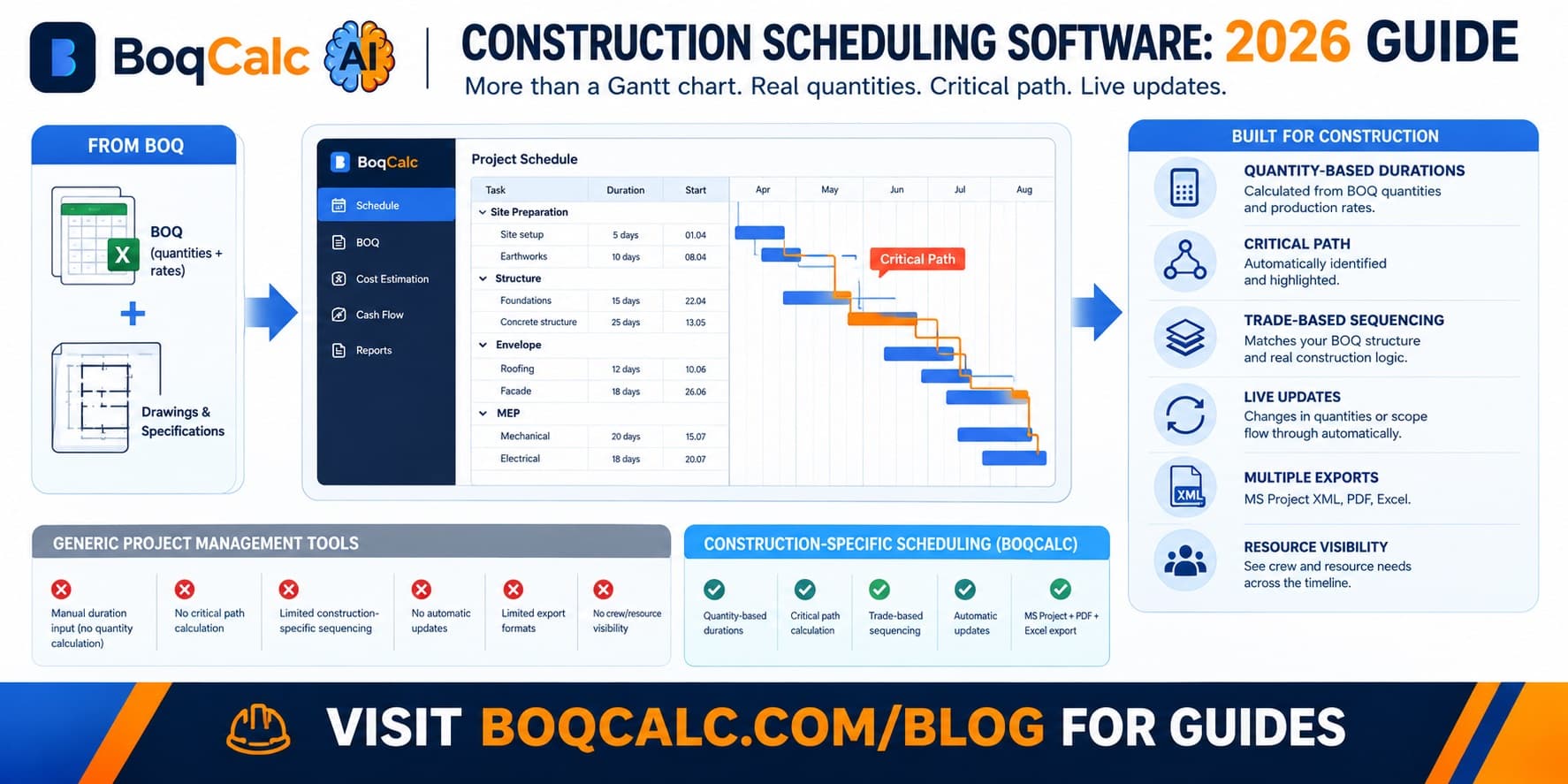
Building a Schedule From BOQ Quantities: The Actual Steps
- Group BOQ items by trade and sequence. The same trade grouping used for pricing (earthworks → structure → envelope → MEP → finishes) is also the natural sequencing order for a schedule.
- Apply a production rate to each trade section's quantity. This converts a quantity into a duration: the core calculation a schedule is built on.
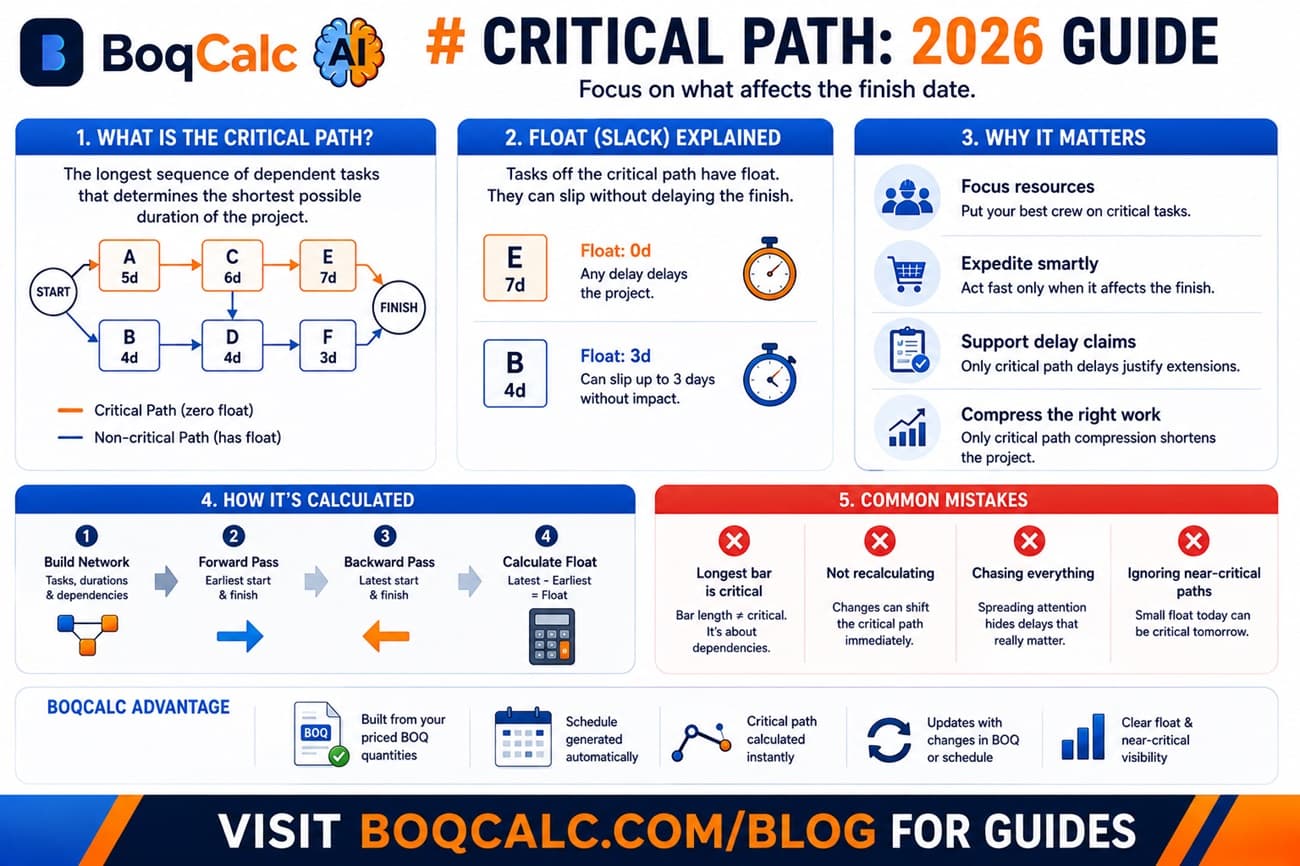
- Identify dependencies between trades. Some sections can run in parallel; others genuinely can't start until a prior section finishes (structure before envelope, first fix before finishes).
- Sequence into a timeline, typically visualized as a Gantt chart, respecting those dependencies.
- Check the result against reality: a schedule that implies impossible crew sizes or unrealistic parallel work fronts needs adjusting before it's usable, not after.
Common Mistakes When Scheduling Separately From the BOQ
Durations estimated from memory instead of quantity. "This usually takes about three weeks" is a reasonable starting guess but stops being reliable the moment the actual quantity on this project differs meaningfully from whatever project the estimator is remembering.
No update path when quantities change. A variation that adds 15% more blockwork rarely triggers an automatic schedule update. The schedule keeps showing the original duration until someone remembers to revisit it.
Sequencing that ignores real dependencies. A schedule built quickly, without cross-checking which trades can actually run in parallel, tends to compress unrealistically or leave obvious gaps.
Treating the schedule as a one-time deliverable. A schedule produced once at tender stage and never revisited stops reflecting the project within weeks of site work starting.
Why Connecting the Two Actually Matters
A schedule derived from the same quantities as the priced BOQ has two properties a separately-built one doesn't:
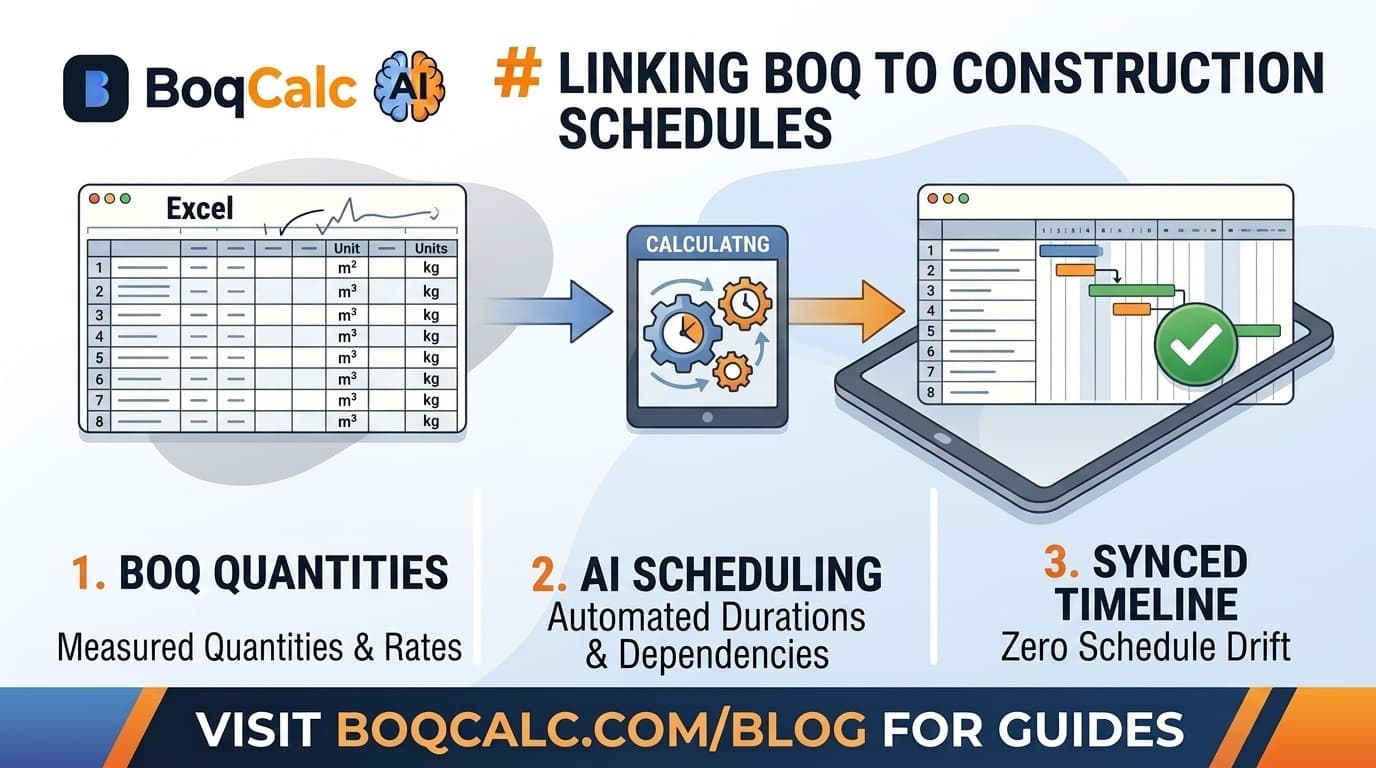
- It updates when the BOQ does. A quantity change flows through to duration automatically instead of requiring someone to manually reconcile two documents.
- It's traceable. If a duration looks wrong, you can trace it back to the quantity and production rate that produced it, rather than to someone's estimate.
This is also what makes a schedule useful alongside cash flow forecasting, a cash flow projection needs to know when costs land, which depends entirely on the schedule being accurate in the first place.
How BoqCalc Handles This
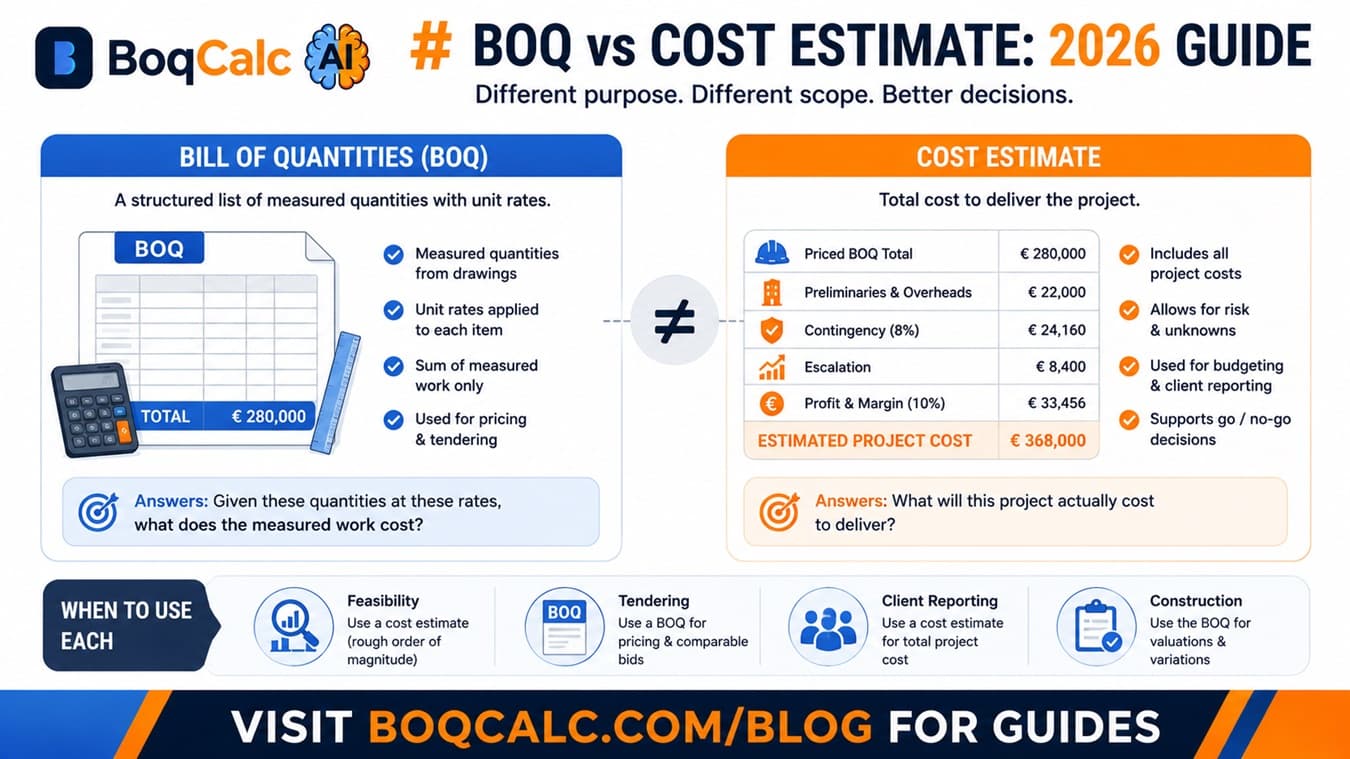
BoqCalc generates a project schedule directly from the same priced BOQ quantities used for cost estimation: durations come from the same production rates and norms applied during pricing, not a separate manual pass. When the BOQ changes, the schedule is derived from the updated data rather than needing a manual reconciliation step.
For how the underlying quantity and pricing data gets built in the first place, see our guide to AI BOQ estimation, and for how scheduling fits into the broader cost-control picture, see our guide to construction cost management.
Frequently Asked Questions
Can a schedule be more accurate than the BOQ it's based on? No. A schedule derived from BOQ quantities is only as accurate as those quantities and the production rates applied to them. Garbage quantities in, garbage durations out.
Does every project need a formal schedule? Smaller, simple projects can often run informally, but anything with multiple trades working in sequence benefits from at least a basic sequenced timeline to catch dependency conflicts before they happen on site.
What's the difference between a schedule and a Gantt chart? A Gantt chart is a visualization of a schedule: bars on a timeline. The schedule itself is the underlying sequencing and duration logic; the Gantt chart is just how it's displayed.
How often should a schedule be updated? Whenever the underlying quantities or scope change materially: a variation, a remeasurement, or a significant design revision. A schedule that isn't revisited after changes like these stops reflecting the actual project quickly.
Conclusion
A schedule and a BOQ describing the same project shouldn't be built from two different sources of truth. Deriving durations from the same measured quantities used for pricing, rather than from a separate estimate, is what keeps the schedule accurate as the project changes, instead of slowly drifting away from the document that's actually being priced and built against.
BoqCalc Team
From the BoqCalc team
Ready to price your next BOQ?
4 free credits, no credit card. Upload a BOQ and see the cost estimate, risk analysis, schedule, and cash flow for yourself.
Try BoqCalc free →