Gantt Chart Software for Construction: What to Look For
 BoqCalc Team
A Gantt chart is just a bar-on-a-timeline visualization. The software behind it is what determines whether that timeline reflects the actual project or just looks like it does. For construction specifically, that difference comes down to a handful of things generic project management tools usually don't handle well.
Why Generic Project Management Tools Fall Short
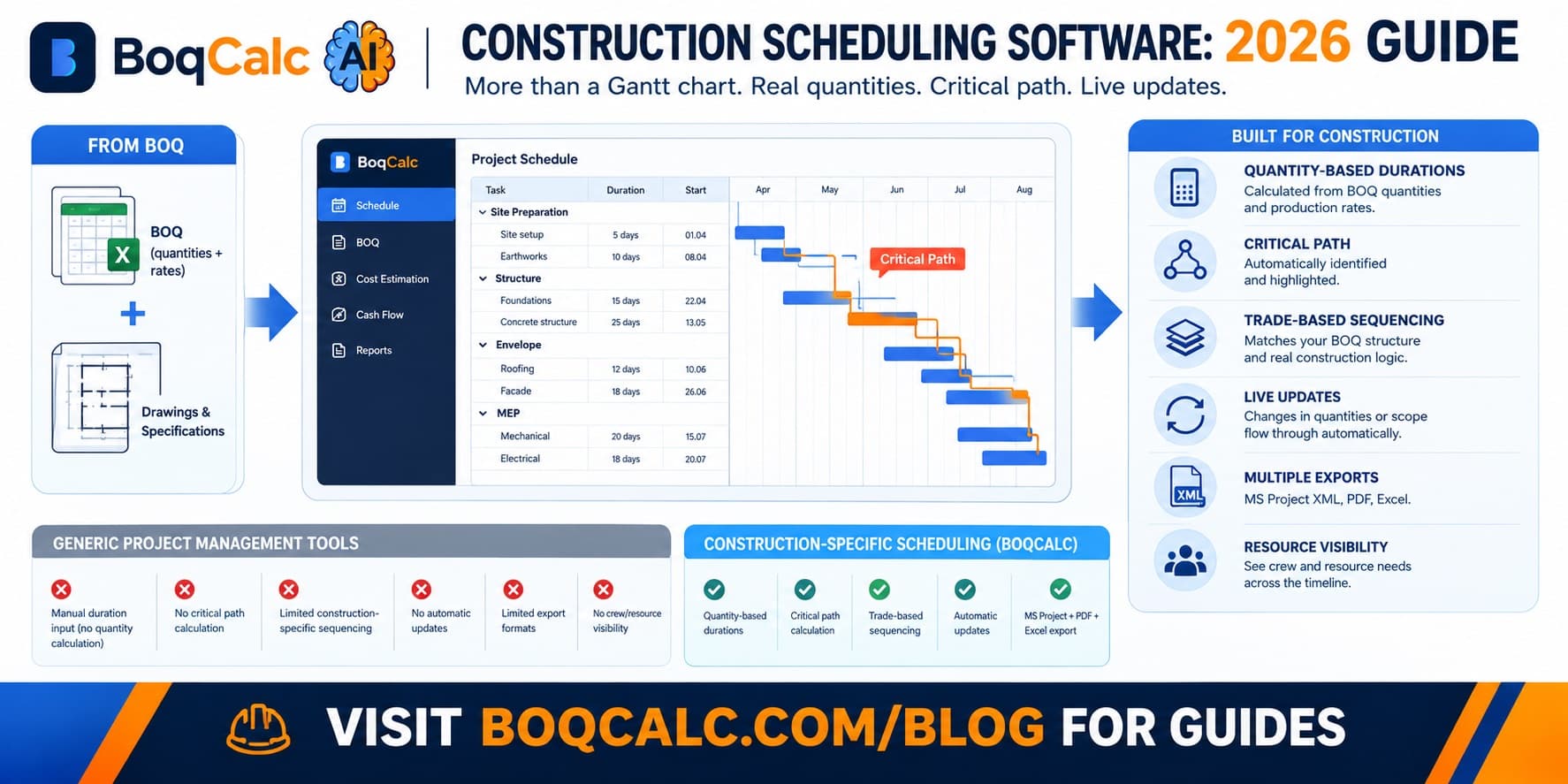
Most popular Gantt tools were built for software teams, marketing campaigns, or generic project work. They handle tasks, dependencies, and timelines fine in the abstract. What they don't do natively is connect a task's duration to an actual measured quantity of construction work, which means someone still has to manually estimate how long "concrete works" takes rather than deriving it from how many cubic meters of concrete are actually in the BOQ.
What to Actually Evaluate
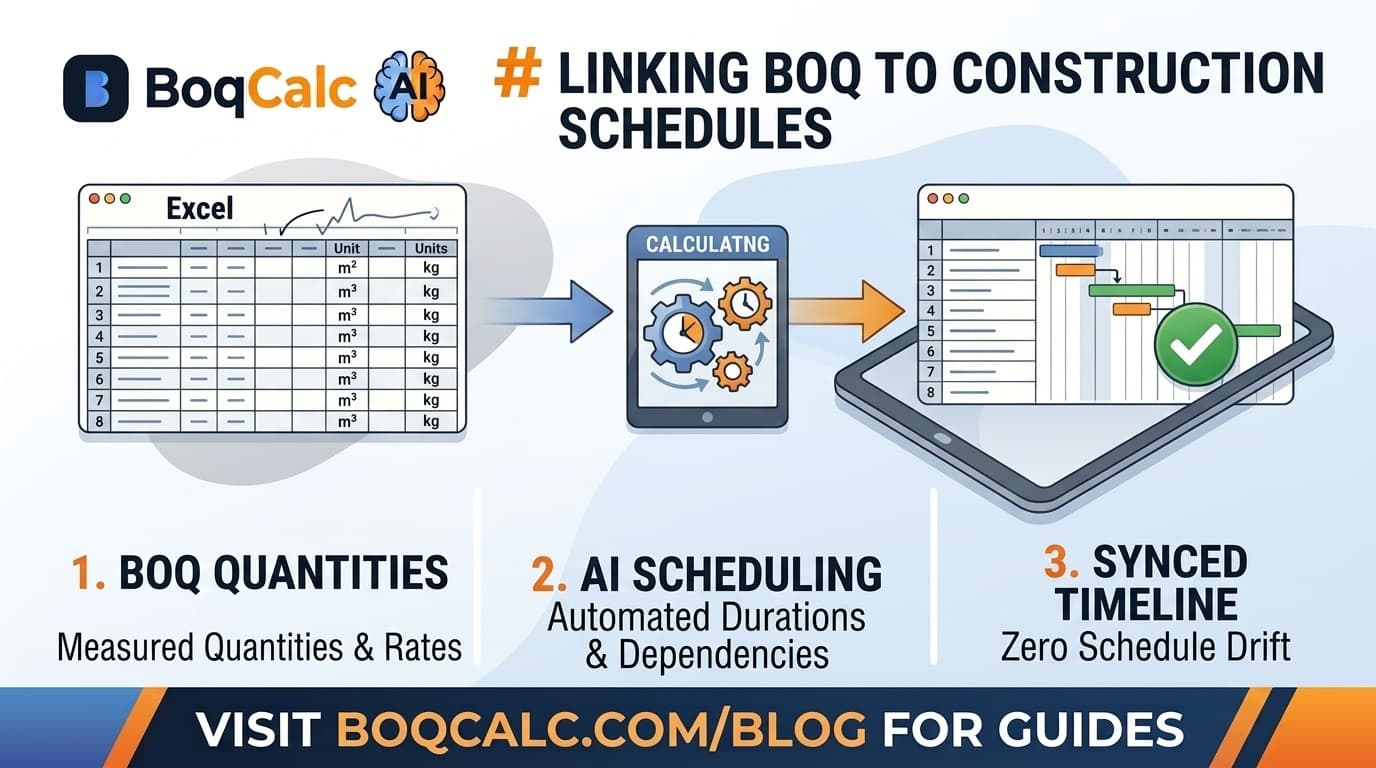
Duration derived from quantities, not typed in from memory. The most useful construction schedules calculate duration from a quantity and a production rate, the same way pricing does. Software that only lets you type in "3 weeks" for a task is asking you to trust a guess instead of a calculation.
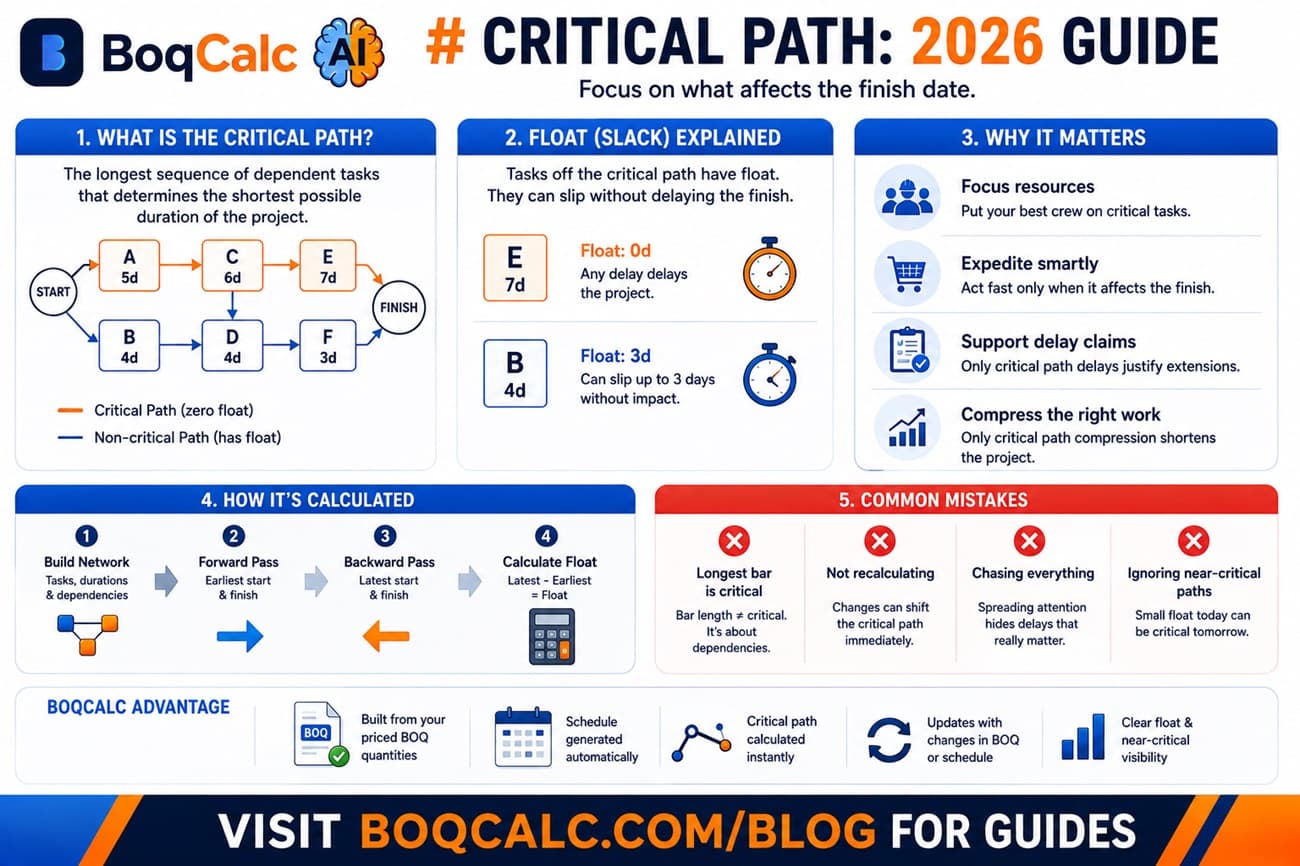
Automatic critical path calculation. Not every tool that draws dependency arrows actually calculates and highlights the critical path. Confirm the software identifies zero-float tasks explicitly, not just lets you infer it by eye.
Trade-based sequencing that matches how the BOQ is structured. A schedule organized the same way the BOQ is priced (by trade section) is far easier to sanity-check against the estimate than one organized by an arbitrary task list.
Update propagation when scope changes. When a quantity or scope changes, does the schedule need manual rework, or does the change flow through automatically? This is the single biggest difference between a schedule that stays accurate and one that quietly drifts.
Export formats that match what you actually submit. MS Project XML is close to a de facto standard for handing a schedule to a client or main contractor. PDF and image exports matter for tender submissions. Confirm the tool exports to what your actual recipients expect, not just what's convenient to build in-app.
Resource and crew visibility. A useful schedule shows not just when work happens but roughly what crew size or resource level that implies, so obviously unrealistic parallel work (needing three times the available crew at once) gets caught before it becomes a site problem.
Common Mistakes When Choosing Scheduling Software
Picking based on visual polish alone. A clean-looking Gantt chart says nothing about whether the durations behind it are derived from real quantities or typed in from a rough guess.
Not checking how it handles change. Ask specifically what happens to the schedule when a quantity changes mid-project. Software that requires a full manual rebuild after every variation adds real ongoing work, not a one-time cost.
Treating scheduling and estimating as permanently separate tools. Keeping the BOQ in one tool and the schedule in an entirely disconnected one recreates the exact sync problem described in our guide to building a schedule from BOQ quantities, regardless of how good either individual tool is.
How BoqCalc Handles This
BoqCalc generates a dynamic Gantt schedule with critical path directly from the same priced BOQ used for cost estimation. Durations come from the quantities and production rates already applied during pricing, not a separate manual estimate, and the schedule exports to MS Project XML, PDF, and Excel for submission. When the underlying BOQ changes, the schedule updates from the same data instead of requiring a manual rebuild.
For a broader look at where scheduling software fits against a fully manual, spreadsheet-based process, see our guide to Excel vs AI BOQ software.
Frequently Asked Questions
Does construction scheduling software need to replace general project management tools entirely? Not necessarily. Many teams use construction-specific scheduling for the technical build sequence and a general tool for broader project coordination like communication and document management. The key is that the technical schedule itself should be quantity-derived.
Is MS Project export actually necessary? If clients, main contractors, or consultants expect to receive and edit the schedule themselves, yes. It remains one of the most commonly requested formats in tender submissions, particularly for larger projects.
How important is resource leveling for a smaller contractor? Less critical at small scale with one or two concurrent trades, but it becomes important quickly once multiple trades are running in parallel and crew availability is genuinely constrained.
Can a Gantt chart be accurate without being tied to the BOQ? It can be internally consistent, but its accuracy depends entirely on how the underlying durations were estimated. A chart built from guessed durations looks the same as one built from calculated ones until reality diverges from the guess.
Conclusion
The visual format of a Gantt chart is the least important part of choosing scheduling software. What actually matters is what's behind the bars: whether durations come from real quantities or estimates, whether the critical path is calculated automatically, and whether the schedule updates when the project does. Those are the things that determine whether the timeline still reflects the project three months into the build.
BoqCalc Team
From the BoqCalc team
Ready to price your next BOQ?
4 free credits, no credit card. Upload a BOQ and see the cost estimate, risk analysis, schedule, and cash flow for yourself.
Try BoqCalc free →